Latest
Version 1.4.0
A tidier Settings
Settings is now a short list of topics. Tap one to open its own screen, so every option is easy to find.
- Review pace names and descriptions in your language
- Share Diagnostics sends the developer an encrypted log when something goes wrong — it never contains your cards
Smart Schedule, your way
Choose how much you want to remember when a card comes back. In Settings, set the Retention goal to Relaxed, Balanced or Thorough — a higher goal brings cards back sooner.
- Review intervals now match Anki’s FSRS
- Imported Anki decks keep the review history Smart Schedule learns from
Centred cards
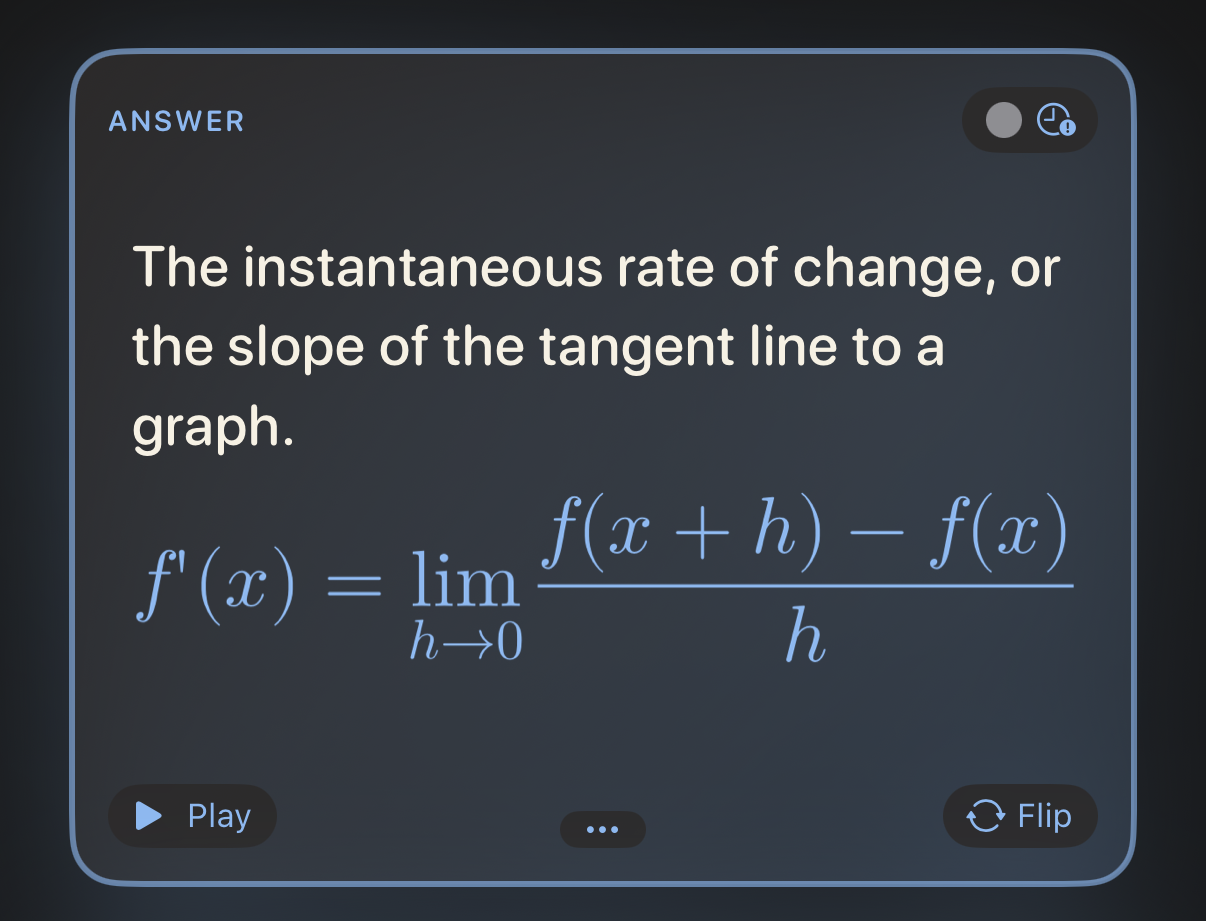
A card can now centre its text. Pick the alignment in the editor’s formatting bar, or use Align Cards to set a whole deck at once.
- Large kanji and kana are drawn whole
- Pictures that only partly fit a card are no longer left out
Anki cards that look like Anki
Imported cards are centred and their characters enlarged, just as the deck’s note type styles them. Large imports show how far along they are instead of seeming to freeze.
- Anki’s hidden metadata fields no longer show up on cards
- Links the app can’t open keep just their text
Also new: a one-time guide to cloze cards, names with numbers sorted in order (Deck 2 before Deck 10), more of the app in your language and plenty of small fixes.