
Anki import
Import your Anki decks, including images, formulas, code and Image Occlusion, and bring an existing library into a friendlier daily review flow.
Press kit · October 2026
JustFlip! is a native spaced-repetition flashcard app for people who want serious learning tools with the calm, considered feel of Apple software.
 JUSTFLIP!
Everything a journalist needs for a quick, accurate introduction to JustFlip!
JustFlip! was created as an answer to two frustrations with study apps: the slow creep of paywalls in products people already rely on, and the dated interface of traditional Anki. It brings serious spaced-repetition algorithms — including SM-2 and FSRS — into a native Apple experience.
There is no account to create, no advertising and no tracking-based monetization. Your decks stay in your personal iCloud, with fast CloudKit sync across iPhone, iPad, Mac and Apple Watch. It is the power of deliberate learning, presented with less friction.
One idea is new: you can postpone a card without lying to the algorithm. Other apps make you press “Again” on a card you were never ready for, which quietly damages the schedule. In JustFlip! a card, deck or whole interest can be put on hold, and the hold never touches its memory data. Every grade button also shows the interval it will produce before you press it.
Honest limits: JustFlip! is Apple-only, with no Android or web version planned. Anki import keeps images, formulas, code and Image Occlusion decks, but unusual note types may still come across imperfectly. There is no deck sharing between users yet.
Native details add up to a learning tool that feels at home on every screen.
Import your Anki decks, including images, formulas, code and Image Occlusion, and bring an existing library into a friendlier daily review flow.
Built in Swift with current platform APIs, including a Home Screen widget, App Intents, Siri Shortcuts, Spotlight and a Watch app.
Five categories are declared on the App Store Accessibility Nutrition Label for iPhone, iPad and Mac: Larger Text, Dark Interface, Reduced Motion, Differentiate Without Color and Sufficient Contrast. Read the report.
No ads, no account and no tracking-based monetization. Synchronization runs through each learner’s own Apple iCloud storage.
Download the complete bundle, or preview individual assets below. Please keep the JustFlip! wordmark with the app icon when possible.
App icons, selected screenshots, the English Apple Watch promo video, the 61-second product trailer (justflip-trailer.mp4) and a short asset guide.
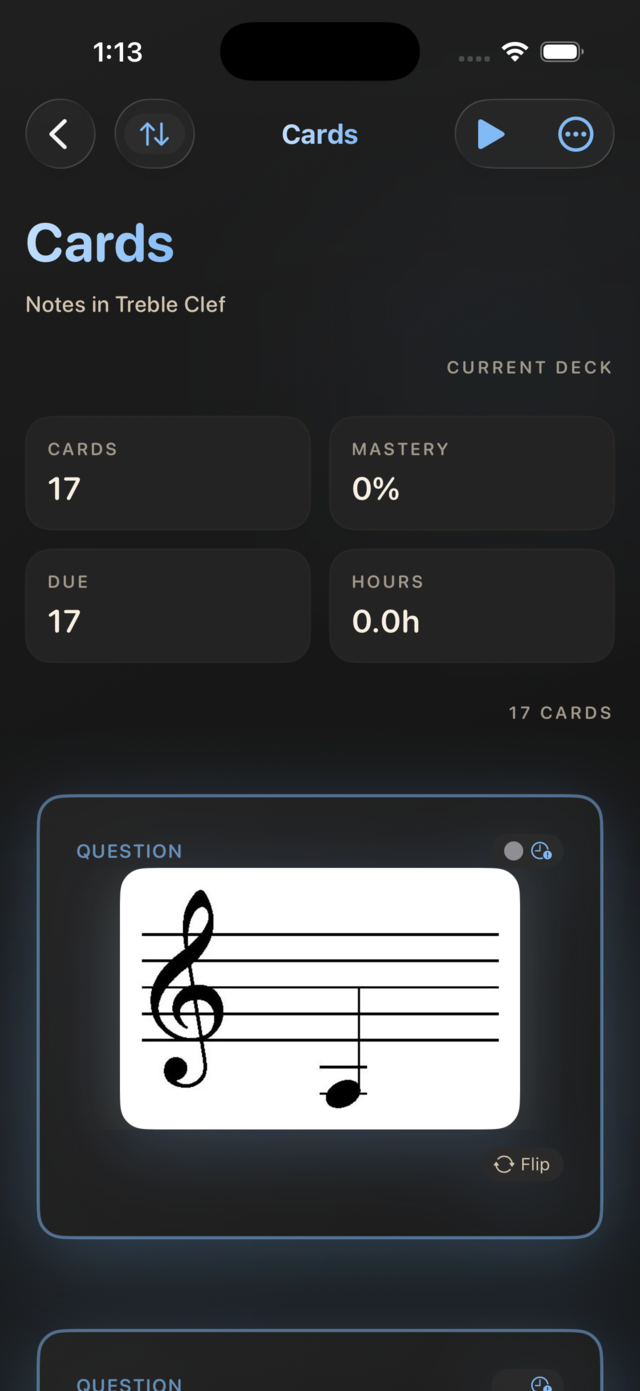
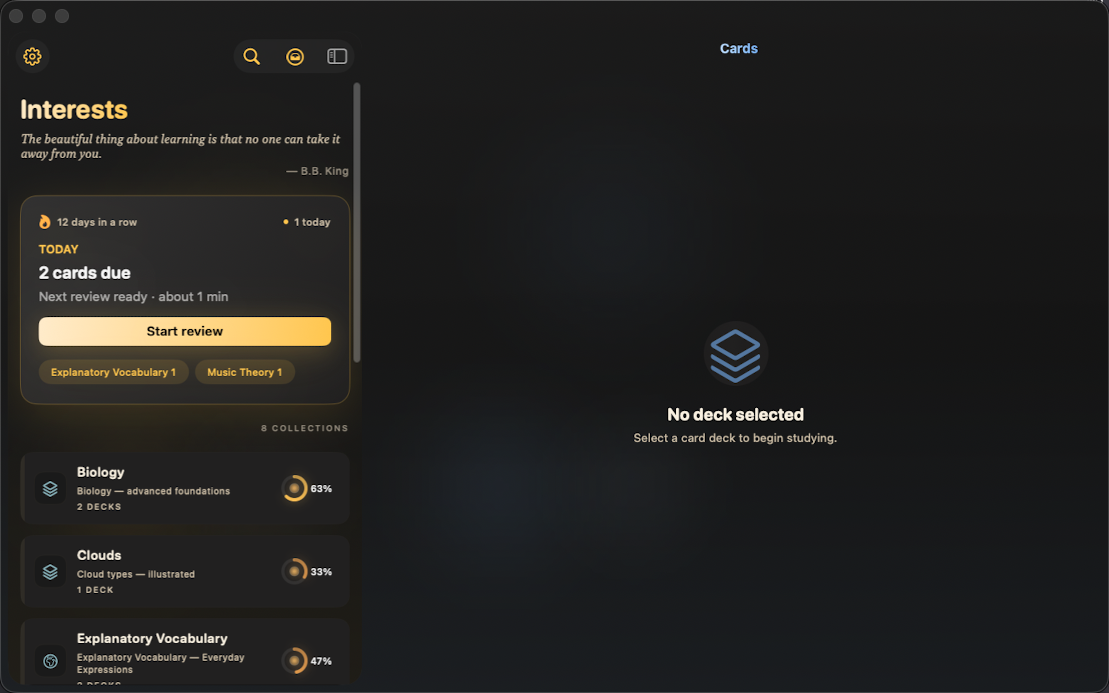
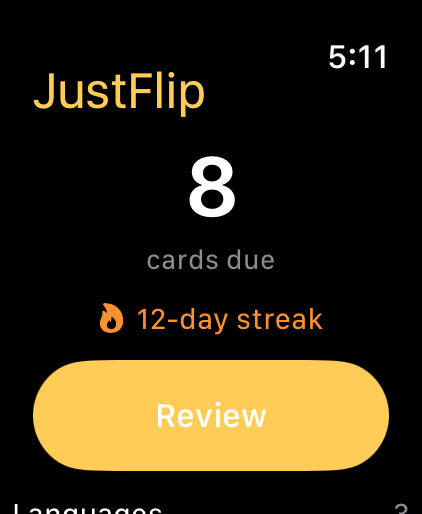
A short product demonstration of JustFlip! on Apple Watch. The MP4 is included in the download bundle.
Download the MP4The English product trailer shows JustFlip! across iPhone, iPad, Mac and Apple Watch. The MP4 is included in the download bundle.
Download the MP4For interviews, review access, product questions or a personal Pro promo code, please get in touch. Promo codes are intentionally shared by email rather than published on this page.
Email Daniel